System Requirements
- Operating system: Windows 10, Windows 11 (21H2, 22H2, 23H2, 24H2, 25H2, 26H1)
- Processor: AMD & Intel
- Video card: NVIDIA & AMD
- Client: Steam
- Enable – enable/disable automatic aiming
- Mode – aimbot operating mode (vector, silent)
- FOV – setting the target acquisition area for the aimbot
- FOV Circle – display the target acquisition area on the screen
- FOV Color – choose a custom color for the aimbot circle
- Smooth – adjust the smoothness of aiming at the target
- Bone Selection – choose the body part to aim at
- Target NPC – the aimbot will work on NPCs
- Target Players – the aimbot will work on players
- Ignore Teammates – exclude teammates from the target list
- Target Wounded – aim at downed players
- Target Lock – the aimbot sticks to the current target
- Visible Check – aim only at targets within line of sight
- Switch Delay – set the delay before switching the aimbot to another target
- NoSpread – disable weapon spread
- Max Distance – set the aimbot activation range for different targets
- Enable – activates the tab for displaying players
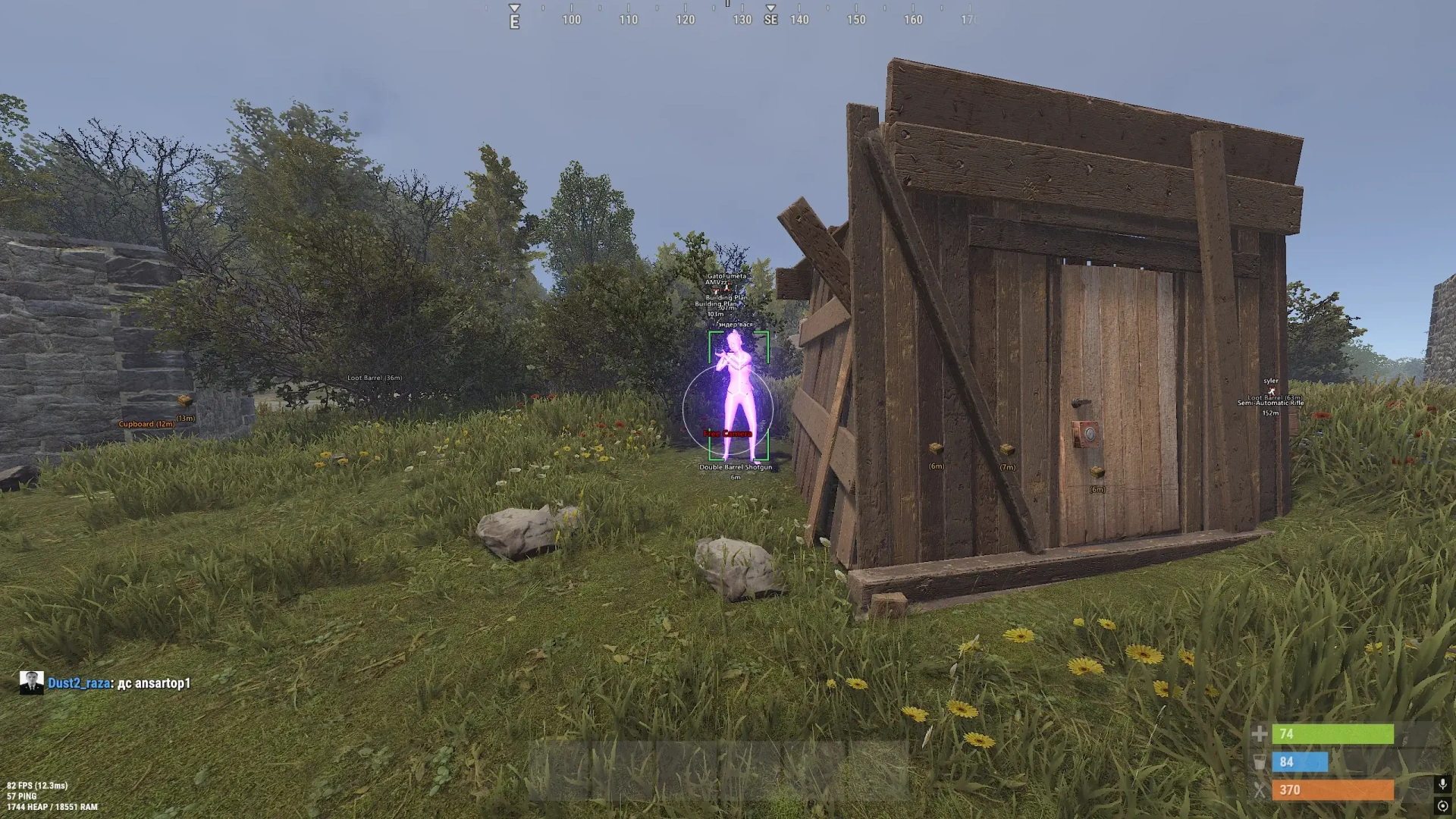
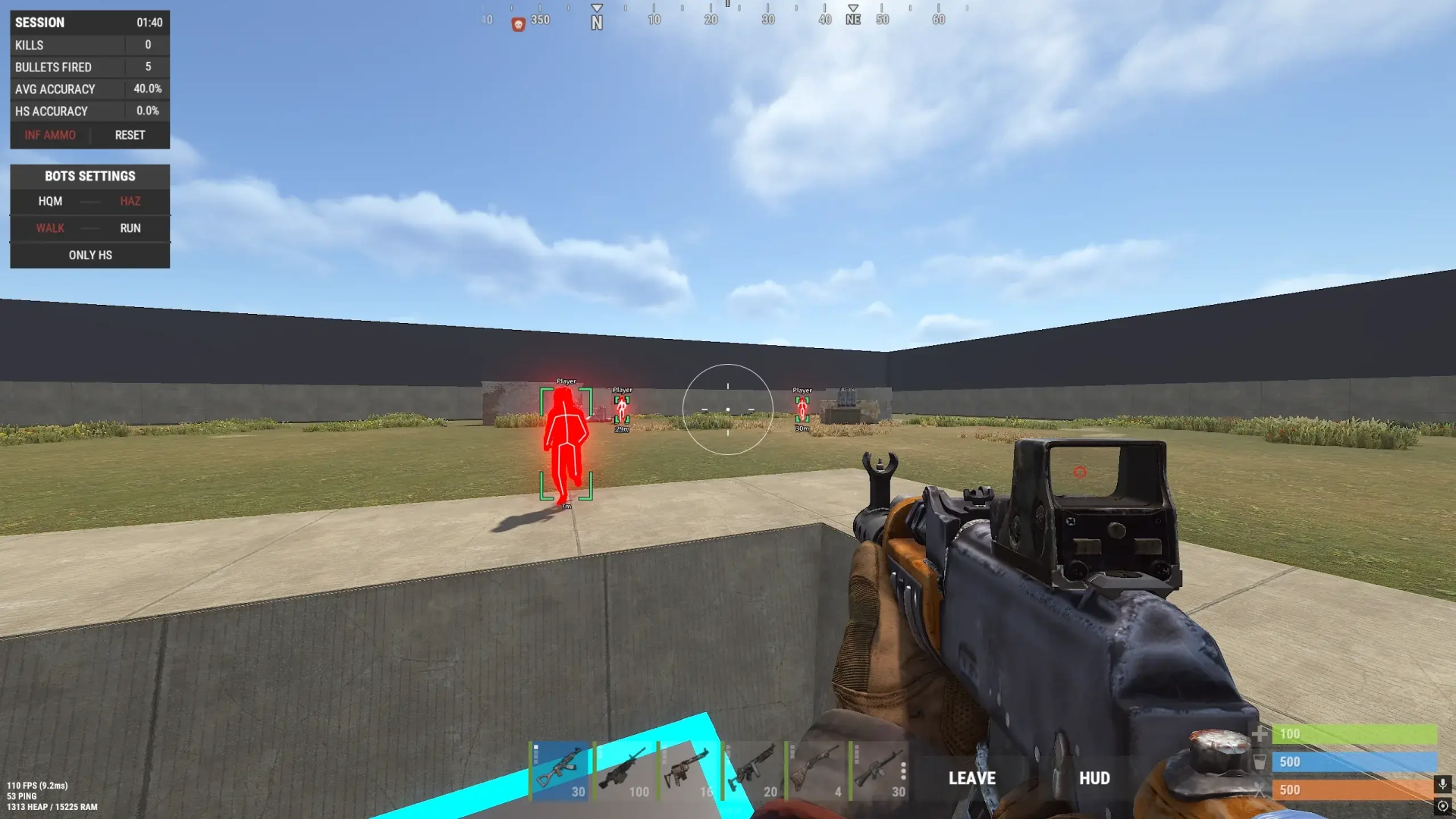
- Box Type – enable boxes around player models (full, corners only)
- Box Width – adjust the thickness of the frames around players
- Box Outline – outline for ESP frames
- Text Outline – outline text to improve readability
- Ignore Teammates – do not show ESP for teammates
- Sleepers – show sleeping player models
- Wounded – show downed players
- Teammates – show teammates
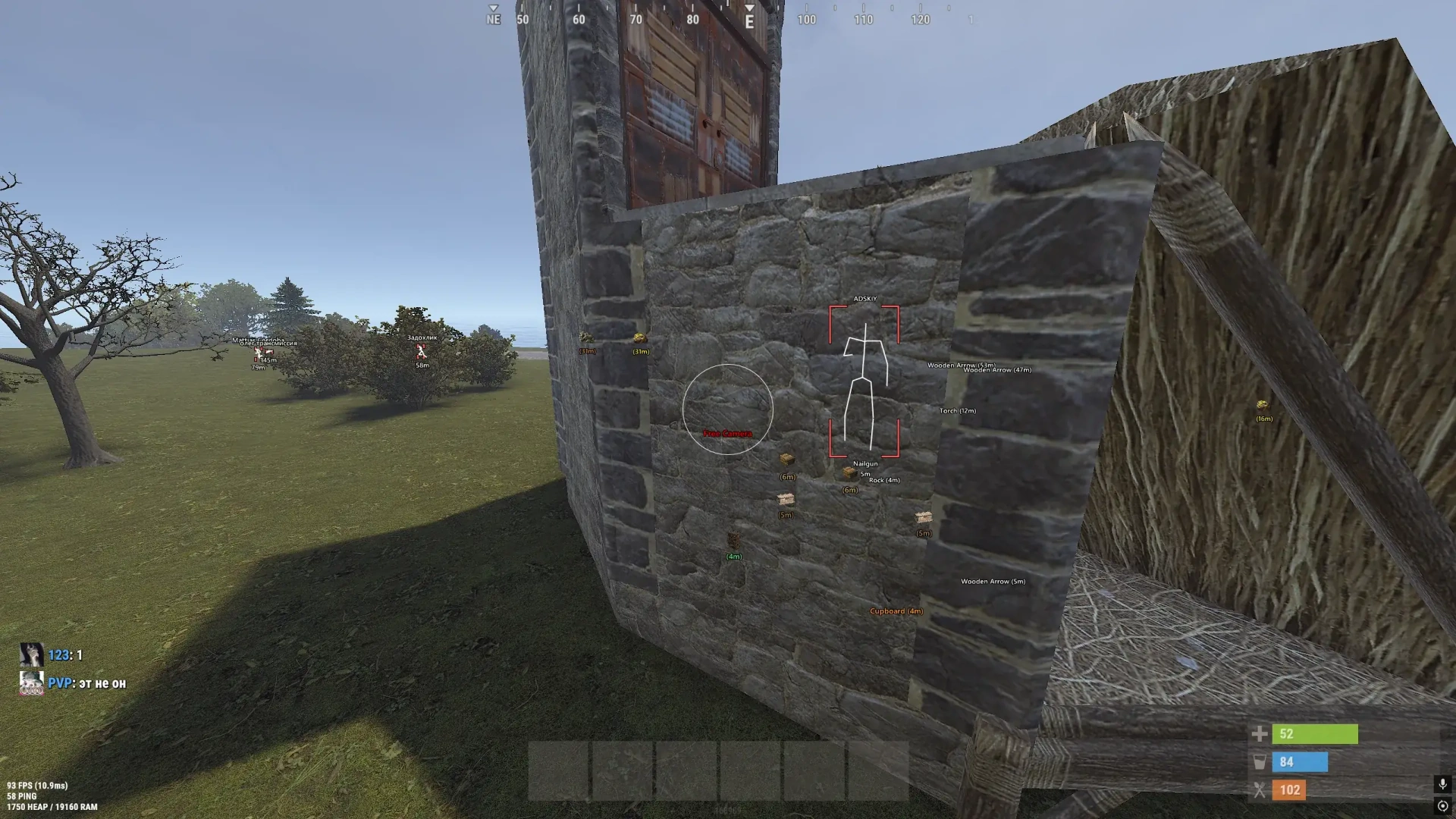
- Player Name – display player names
- Player Distance – display distance to players
- Held Item – display the item or weapon in the player's hands
- Hotbar – list of items in players' quick slots (hotbar)
- Max Distance – adjust the maximum player display distance
- Text Size – adjust ESP text size
- Visibility Colors – display players in different colors depending on visibility
- Skeleton – display the player skeleton with adjustable color and line thickness
- Chams – fill player models with the selected material or texture
- Chams Material – choose the material for chams ESP
- Corpse – show dead players' bodies/backpacks
- Enable – enable/disable resource display
- Stone ESP – display stone ore (with customizable color, icons, distance, and text size)
- Metal ESP – display metal ore (customizable)
- Sulfur ESP – display sulfur ore (customizable)
- Hemp ESP – display hemp (customizable)
- ESP Crate Color – ability to assign a custom color to each resource category
- Enable – enable/disable trap display
- Auto Turret ESP – display auto turrets
- Landmine ESP – display landmines
- Flame Turret ESP – display flame turrets
- SAM Site ESP – display SAM sites
- Shotgun Trap ESP – display shotgun traps
- Drone ESP – display drones
- Icons – display trap icons next to the text
- Distance Filter – adjust display distance for each trap
- Text Size – adjusts text size for traps
- ESP Traps Color – ability to assign a custom color to each trap category
- Enable – enable display of supply crates
- Basic Crates ESP – display basic crates
- Military Crates ESP – display military crates
- Elite Crates ESP – display elite crates
- Tool Crates ESP – display tool crates
- Medical Crates ESP – display medical crates
- Food Crates ESP – display food crates
- Mine Crates ESP – display mine crates
- Underwater Crates ESP – display underwater crates
- Locked Crates ESP – display locked crates
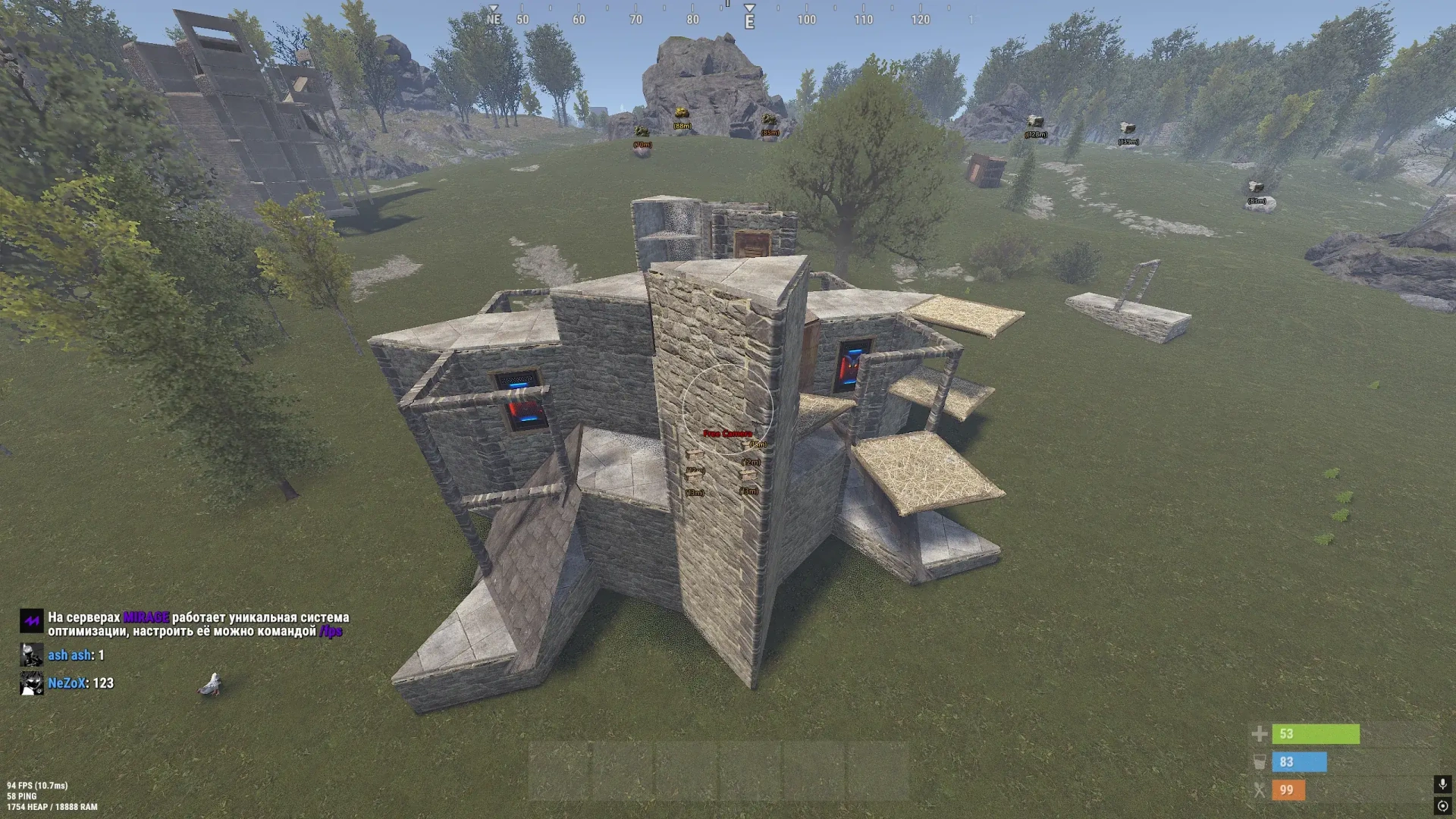
- Loot Barrels ESP – display loot barrels
- Airdrop ESP – display airdrop supplies
- Distance Filter – adjust display distance for each crate type
- Icons – ability to enable an icon next to the text for some crates
- ESP Crate Color – ability to assign a custom color to each crate category
- Enable – enable vehicle display
- Horses ESP – display horses on the map
- Cars ESP – display cars on the map
- Motorboats ESP – display motorboats
- RHIBs ESP – display RHIBs
- Tugboats ESP – display tugboats
- Submarines ESP – display submarines
- Minicopters ESP – display minicopters
- Transport Helicopters ESP – display transport helicopters
- Attack Helicopters ESP – display attack helicopters
- Patrol Helicopters ESP – display patrol helicopters
- Bradley APCs ESP – display Bradley APCs
- Trains ESP – display trains
- Hot Air Balloons ESP – display hot air balloons
- Snowmobiles ESP – display snowmobiles
- Motorbikes ESP – display motorbikes
- Bicycles ESP – display bicycles
- ESP Vehicles Color – ability to assign a custom color to each vehicle category
- Distance Filter – adjust display distance for each vehicle type
- Enable – enable display of items and loot
- Dropped Items ESP – display items on the ground
- Item Category Filter – filter dropped items by category
- Item Icons – ability to enable or disable item icons
- Distance Filter – adjust display distance for each loot type
- Text Size – adjusts text size for each item group
- Weapons
- Ammunition
- Armor and Clothing
- Medicine
- Resources
- Components
- Tools
- Food and Seeds
- Deployables
- Other Items
- Spider Man – allows climbing upward without using ladders
- Free Camera – freely move the camera separately from the character
- Camera Speed – adjust the free camera movement speed
- Camera Sensitivity – adjust free camera control sensitivity
- Bright Night – enables increased brightness at night
- Night Brightness – adjust the brightness level of the nighttime environment
- Battle Mode – hides unnecessary ESP categories and leaves only player display (by bind)
- Font – choose the mod menu interface font
- FPS Limit – set the overlay refresh rate limit
- Config Save – save the current configuration
- Config Load – load a saved configuration
- Config Reset – reset configuration settings